Free Ad Blocker Filter List Monitoring for Your Website – Know When Filter Rules Target Your Domain
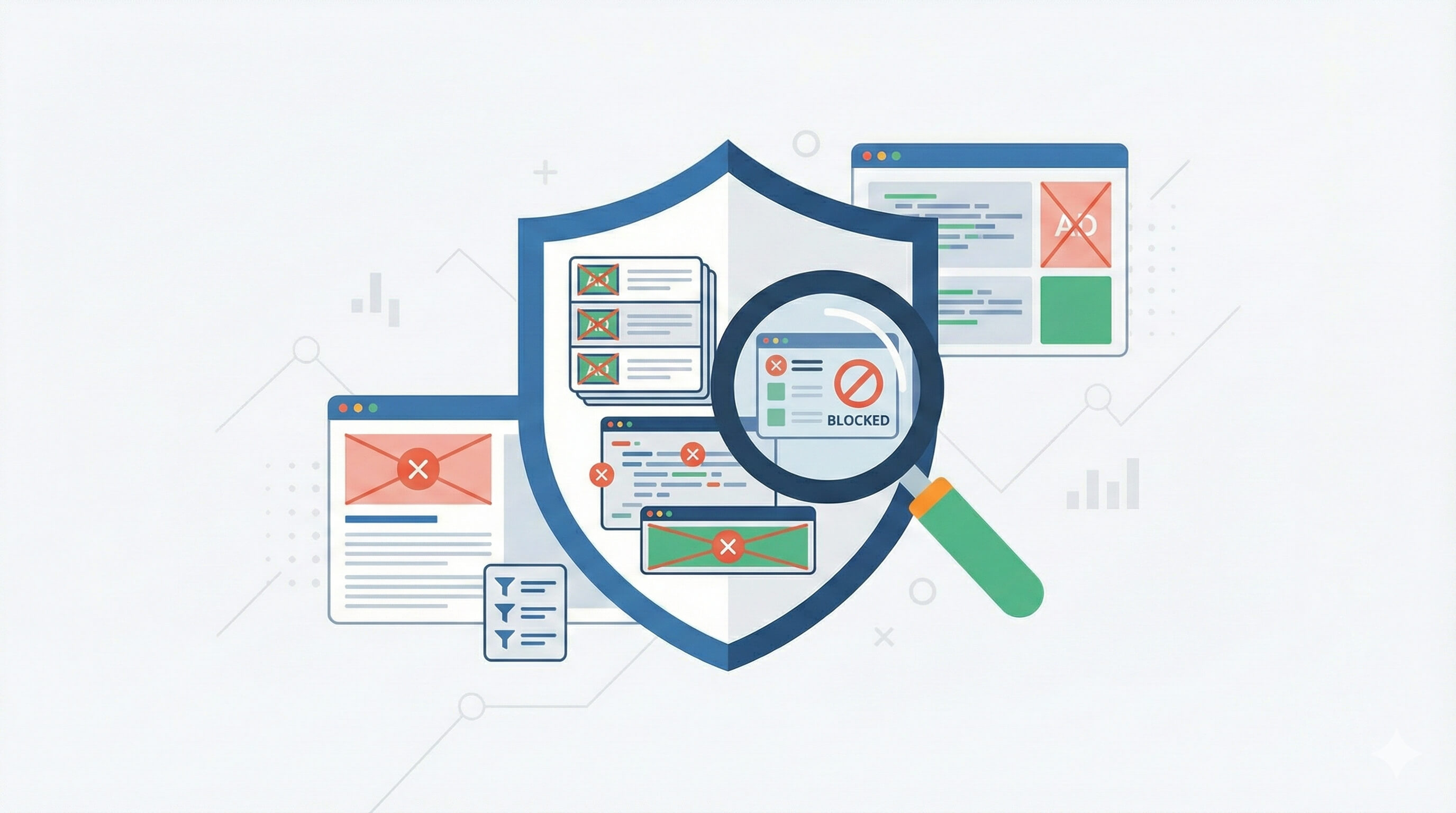
If your website has ever appeared in an ad blocker filter list, you might not even know it happened – until you notice a sudden drop in analytics data, broken functionality for some users, or mysteriously declining ad revenue.
By the time you discover the issue, the damage is done. Filter list updates propagate to millions of users within days, and critical parts of your site – analytics scripts, marketing pixels, third-party widgets, or specific features – could stop working for anywhere from 15% to 50% of your visitors, depending on your audience.
DataUnlocker now offers free, real-time monitoring of ad blocker filter lists for any registered domain.
As of today, no other service offers this capability. By simply adding your website to DataUnlocker, you'll:
- Know exactly which filter rules target your domain
- Get email notifications minutes after a new rule is published
- Monitor changes across all major filter lists (EasyList, EasyPrivacy, and hundreds more)
- See the impact before it reaches your users
Best of all: this feature is completely free, whether you use DataUnlocker's protection features or not.
What are ad blocker filter lists?
Ad blocker filter lists are the databases that power ad blocking software like uBlock Origin, AdBlock Plus, Brave Shields, and Ghostery.
These lists contain rules written in a specialized syntax that tell ad blockers which network requests to block, which DOM elements to hide, and which scripts to disable. The most popular lists include:
- EasyList – the primary ad blocking filter list, blocking ads across websites
- EasyPrivacy – blocks analytics and tracking scripts
- Regional lists – localized rules for specific countries and languages
- Specialized lists – targeting specific types of content, trackers, or annoyances
These lists are maintained on GitHub and updated continuously by a global community of open source contributors. New rules are added daily, often within hours of a website being reported.
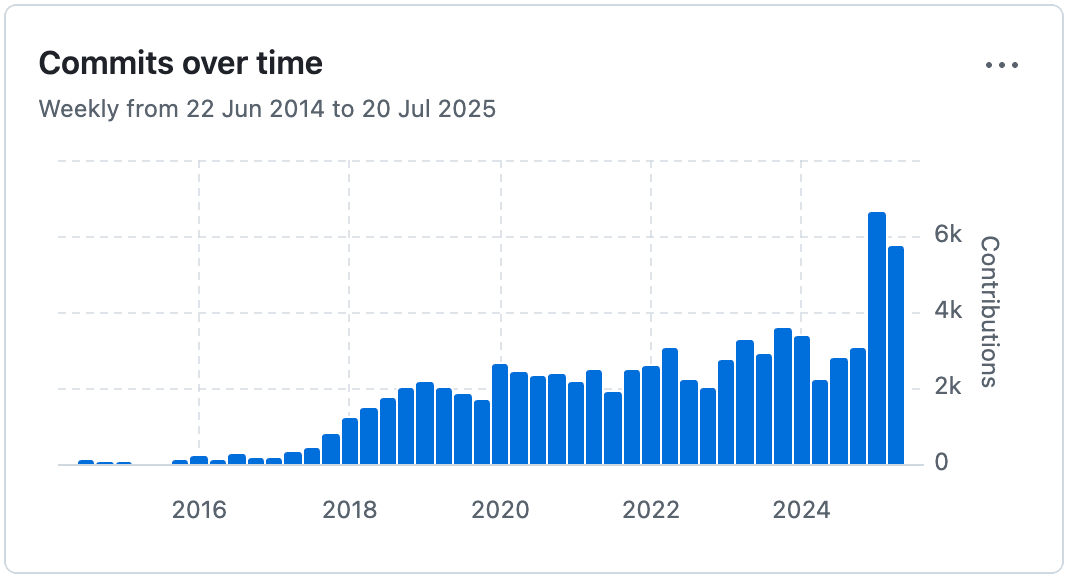
You can browse the complete ecosystem of filter lists at FilterLists.com, which catalogues over 2,000 different lists actively used by privacy tools and ad blockers worldwide.
The problem: Getting blocked without knowing
Here's what typically happens:
- A user reports your site to a filter list maintainer, or an automated system flags a pattern
- A new rule targeting your domain is added to a filter list within hours
- The updated list is automatically pulled by millions of browsers and ad blockers – typically within a week, though update cadences vary: uBlock Origin updates filter lists every 6 hours by default, while Chrome extensions like uBlock Origin Lite are bound to Chrome's extension release cycle and most blockers default to weekly updates
- Your analytics scripts, marketing pixels, or even core functionality stops working for users with ad blockers
You only notice when:
- Your Google Analytics shows a sudden unexplained drop in traffic
- Conversion tracking from Facebook or Google Ads mysteriously declines
- Customer support tickets increase about "broken" features that filter rules maintainers didn't account for
- Your revenue metrics take an unexplained hit
By then, your site has already been delivering a degraded experience to a significant portion of your audience for days or weeks.
The impact varies by industry:
- E-commerce & retail: 15-20% of users typically have ad blockers
- Tech & gaming: 20-30% blocker usage
- Crypto & privacy-focused niches: 50%+ blocker usage
Even if you don't show ads, your site could be targeted for blocking analytics scripts, social media widgets, or third-party integrations that trigger overly broad filter rules.
Not sure what's being blocked on your site right now? Use DataUnlocker's free ad blocker checker to instantly see which resources are being blocked by common ad blockers and privacy tools.
DataUnlocker's free monitoring solution
DataUnlocker continuously monitors all major ad blocker filter lists and checks them against your registered domains. When a new rule is added that targets your website, you'll know about it immediately.
What makes this unique:
As of today, this is the only service that provides real-time, automated monitoring of filter list updates for your specific domain. No other tool offers:
- Monitoring across all major filter lists simultaneously
- Email notifications when new rules are published
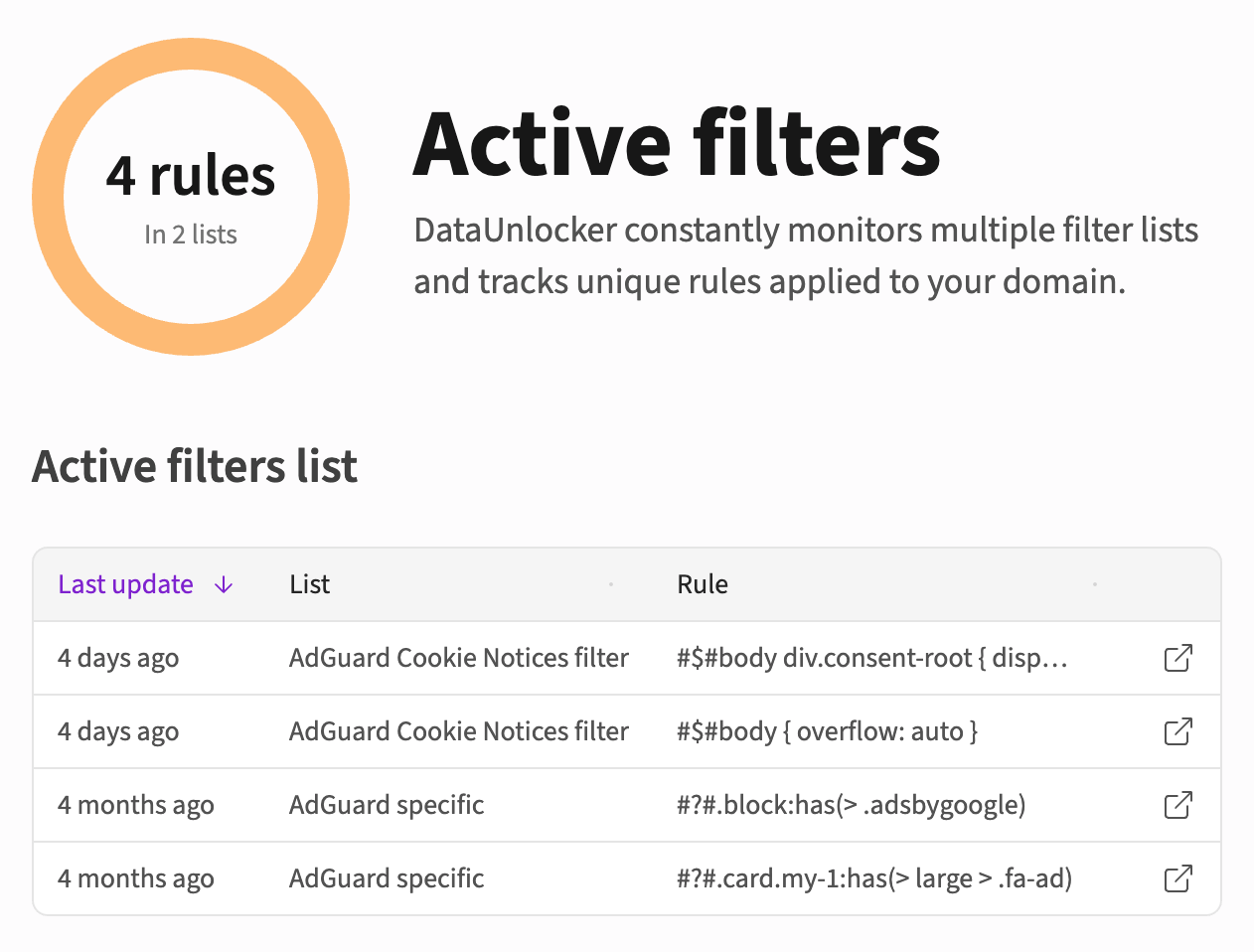
- A dashboard showing exactly which rules target your site
- Completely free access for all registered domains
While you can manually check individual filter lists on GitHub or FilterLists.com, that requires constant vigilance and technical knowledge. DataUnlocker automates this entirely.
What it monitors:
- Network blocking rules (URLs, domains, path patterns)
- Element hiding rules (cosmetic filters)
- JavaScript injection and scriptlet rules
- Changes across hundreds of filter lists
- Updates from both official and community-maintained lists
How notifications work:
When DataUnlocker detects a new filter rule targeting your domain:
- You receive an email alert within minutes of the rule being published
- The alert includes the specific rule syntax and which filter list added it
- You can review the impact in your DataUnlocker dashboard
- You have time to respond before the update reaches most end users
This early warning system gives you a crucial advantage: you can act before the blocking impacts your metrics.
How to set up free filter list monitoring (step-by-step)
Getting started takes less than 5 minutes. You don't need to install anything on your website to access the monitoring feature.
Step 1: Visit admin.dataunlocker.com
Go to admin.dataunlocker.com and sign in using your email. DataUnlocker uses passwordless authentication – just click the link sent to your email to log in securely from any device.
Step 2: Add your website to DataUnlocker
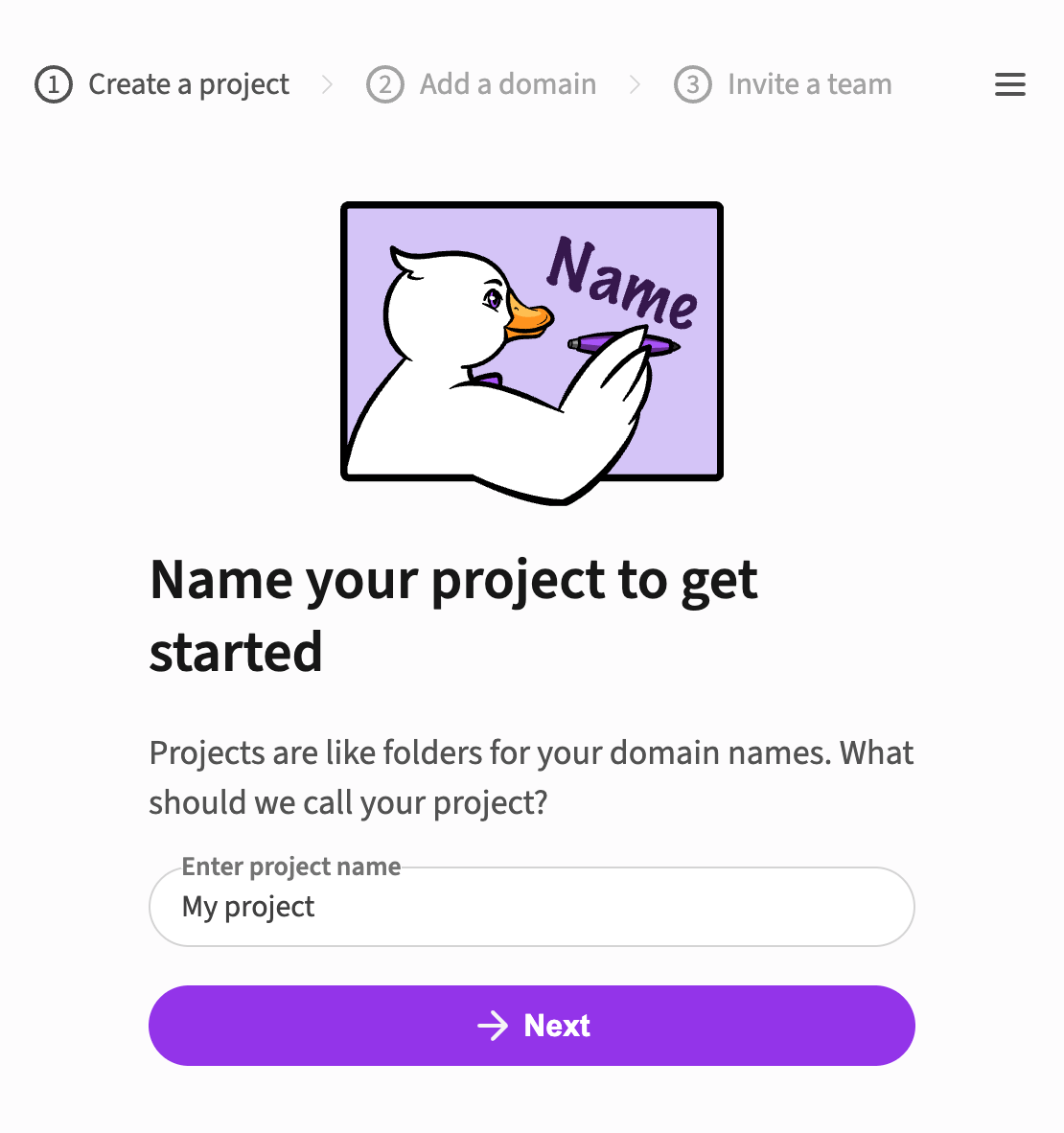
Create a new project (or use an existing one) and add your domain. Projects in DataUnlocker act like folders and help you organize multiple websites.
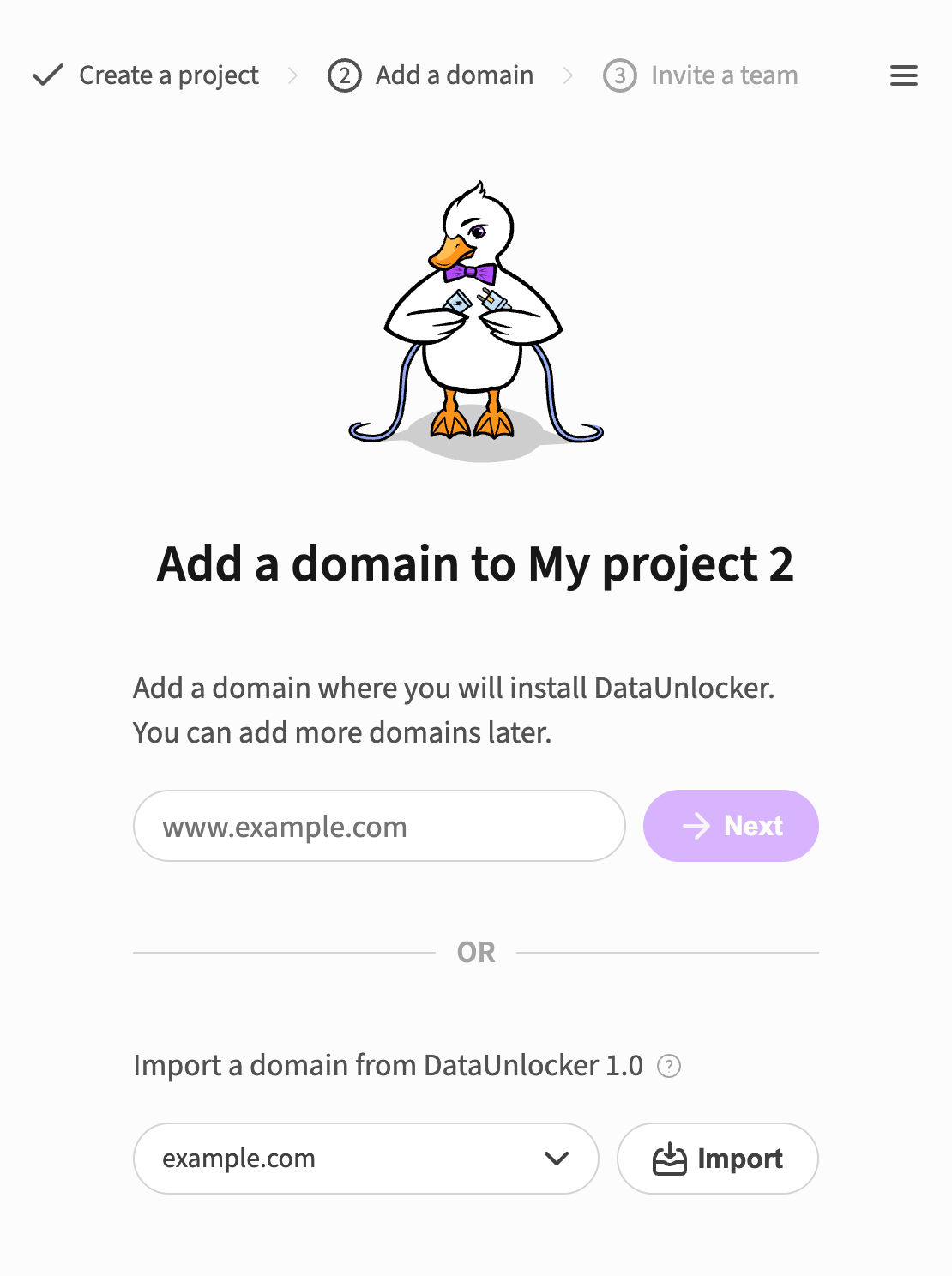
After adding your domain, you'll see a message: "Verify domain ownership by creating a transport endpoint. Filters will update within an hour after verification."
Until you verify ownership, the filter monitoring feature will remain pending. This verification step ensures that only legitimate domain owners can monitor filter rules targeting their sites.
Step 3: Confirm your website by adding a proxy endpoint
To unlock filter monitoring and email notifications, you need to confirm domain ownership by adding at least one transport endpoint.
You don't need to actually use the endpoint for protection – it's simply used to verify that you control the domain. The setup process is straightforward:
- Click "Add transport endpoint" in your domain settings
- Follow the guided setup to create a proxy path on your domain
- For Cloudflare users: this is a simple copy-paste of a Worker script (takes 2 minutes)
- For other setups: follow the instructions for your infrastructure
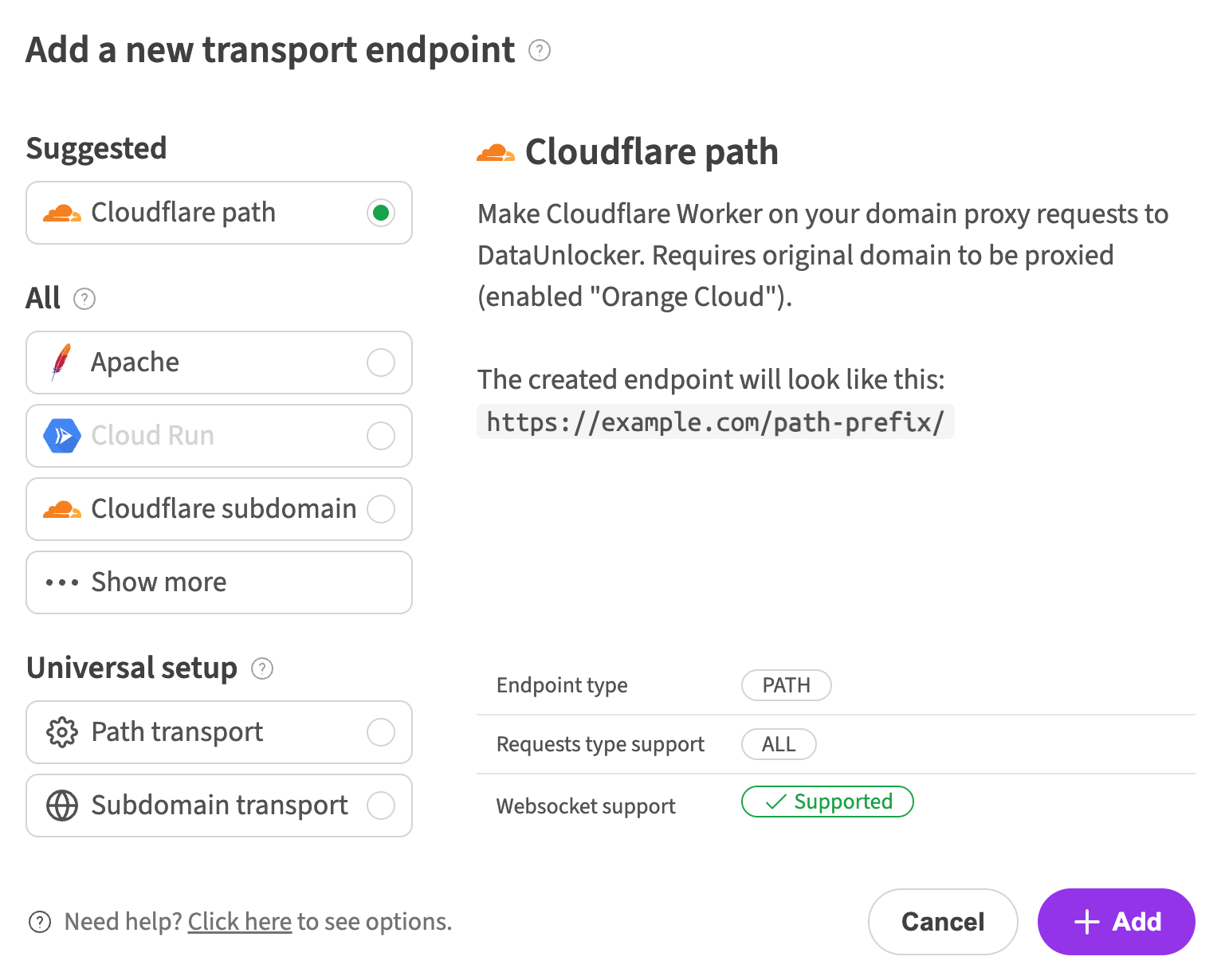
You can learn more about setting up DataUnlocker in our complete setup guide.
Note: Filter list monitoring and email notifications only become active after you verify domain ownership with a transport endpoint. You don't need to use the endpoint for protection – simply creating it confirms you control the domain.
Step 4: Enable email notifications in "Active filters"
Once your domain is verified, navigate to the "Active filters" section in your domain dashboard. Here you'll see all current filter rules targeting your website.
To ensure you receive email updates when new filters are added:
- Click on "Project Settings" in the Active filters section
- Enable the option: "Send email notifications when new filter rules are detected"
- Save your settings
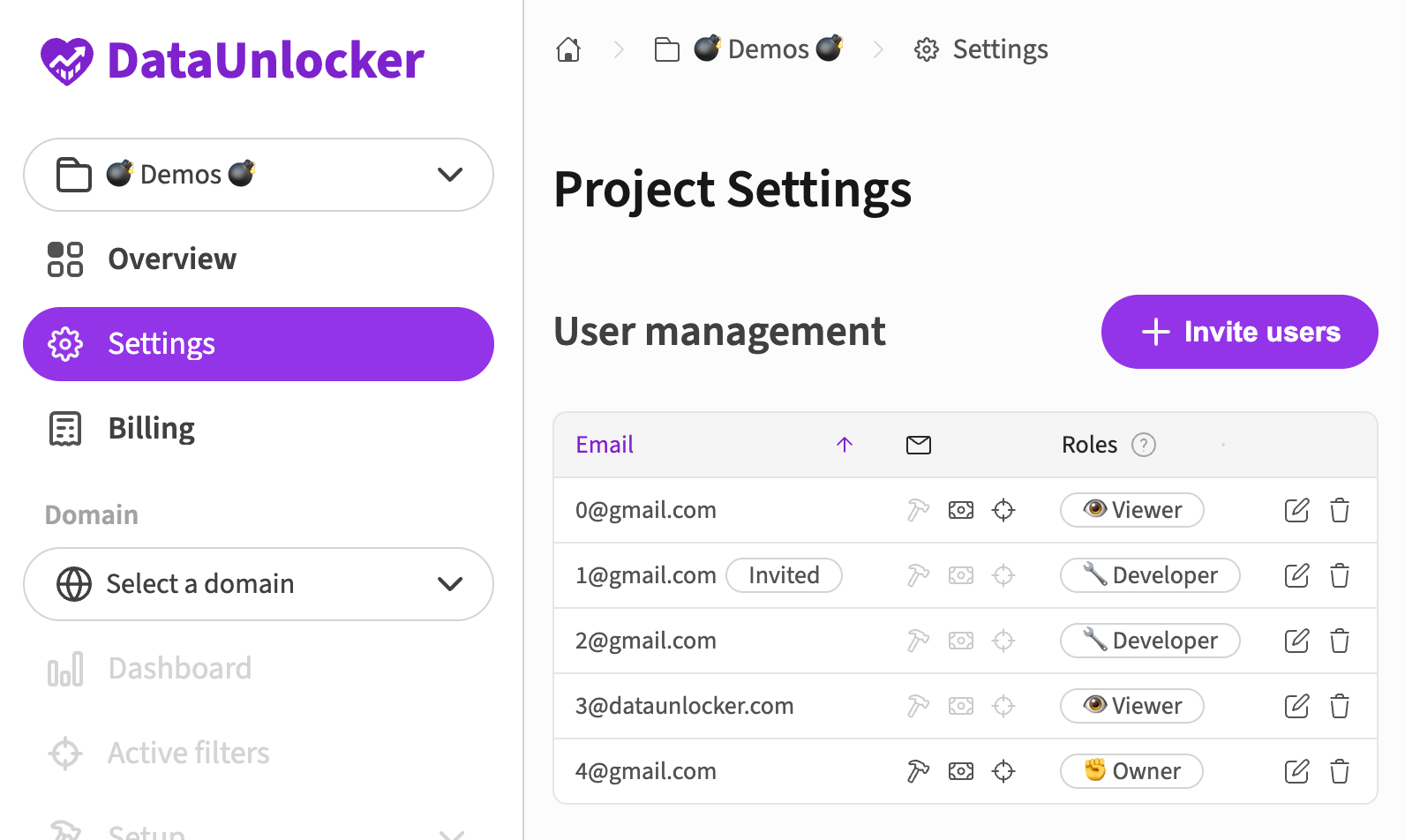
That's it! DataUnlocker will now continuously monitor filter lists and alert you whenever a new rule targeting your domain is published.
Real-world use cases
Filter list monitoring is valuable for any website owner or business that relies on accurate data and uninterrupted user experience. Here's how different types of organizations benefit:
E-commerce stores and online retailers
The problem: Ad blocker filter rules can break product recommendation widgets, analytics tracking for conversion optimization, or even checkout processes that rely on third-party payment providers like Stripe or PayPal.
How monitoring helps: Know immediately if your checkout flow, analytics pixels (Google Analytics, Meta Pixel, TikTok Pixel), or marketing tools get blocked. This lets you investigate and address issues before they impact revenue.
For e-commerce sites, even a 1% drop in conversion tracking can mean thousands in lost revenue from poorly optimized ad campaigns.
Content publishers and media sites
The problem: Filter lists often target ad networks, sponsored content widgets, and analytics trackers that publishers depend on for revenue and audience insights.
How monitoring helps: Stay ahead of blocking that affects your ad revenue, subscription conversion tracking, or audience measurement tools. If a new rule breaks your paywall or ad delivery, you'll know within minutes instead of days.
SaaS products and web applications
The problem: Modern web apps integrate third-party tools for analytics, customer support (Intercom, Zendesk), error tracking (Sentry), and user behavior analysis (Hotjar, Mixpanel). Aggressive filter rules can break these integrations.
How monitoring helps: Detect when essential third-party integrations get blocked for users with ad blockers. This prevents support issues and ensures your product works reliably for all users.
Marketing teams and agencies
The problem: Campaign performance depends on accurate conversion tracking via Google Tag Manager, Meta Conversions API, Google Ads, and other marketing pixels. Filter rules silently undermine attribution data.
How monitoring helps: Know when tracking scripts are blocked so you can account for data loss or implement protection measures. Accurate attribution is critical for demonstrating ROI and optimizing spend.
Developers and website owners
The problem: Even personal projects, portfolios, and hobby sites can end up on filter lists if they use common analytics tools or have patterns that trigger broad rules.
How monitoring helps: Whether you're running a personal blog with WordPress or a side project, knowing about blocking lets you decide whether to adjust your implementation or simply accept the data loss. Understanding the real impact helps you make informed decisions.
Enterprise websites and platforms
The problem: Large organizations have complex web properties with multiple teams managing different sections. A filter rule targeting one component can have cascading effects across the entire platform.
How monitoring helps: Centralized visibility into filter list status across all domains. When a rule is added, the relevant teams can be notified immediately to assess and respond to the impact.
Beyond monitoring: protecting your website from ad blockers
While monitoring gives you visibility into what's being blocked, you might also want to prevent the blocking from happening in the first place.
That's where the rest of DataUnlocker comes in.
If you find that filter rules are impacting your business – whether through lost analytics data, broken tracking pixels, or degraded user experience – you can use DataUnlocker's protection features to ensure your website works correctly even when ad blockers are active.
DataUnlocker's approach is unique: instead of playing cat-and-mouse with blockers, it makes your analytics and marketing tools an integral part of your web application. This means blockers cannot remove tracking without breaking core functionality, giving them a binary choice: allow your site to work properly, or break it entirely.
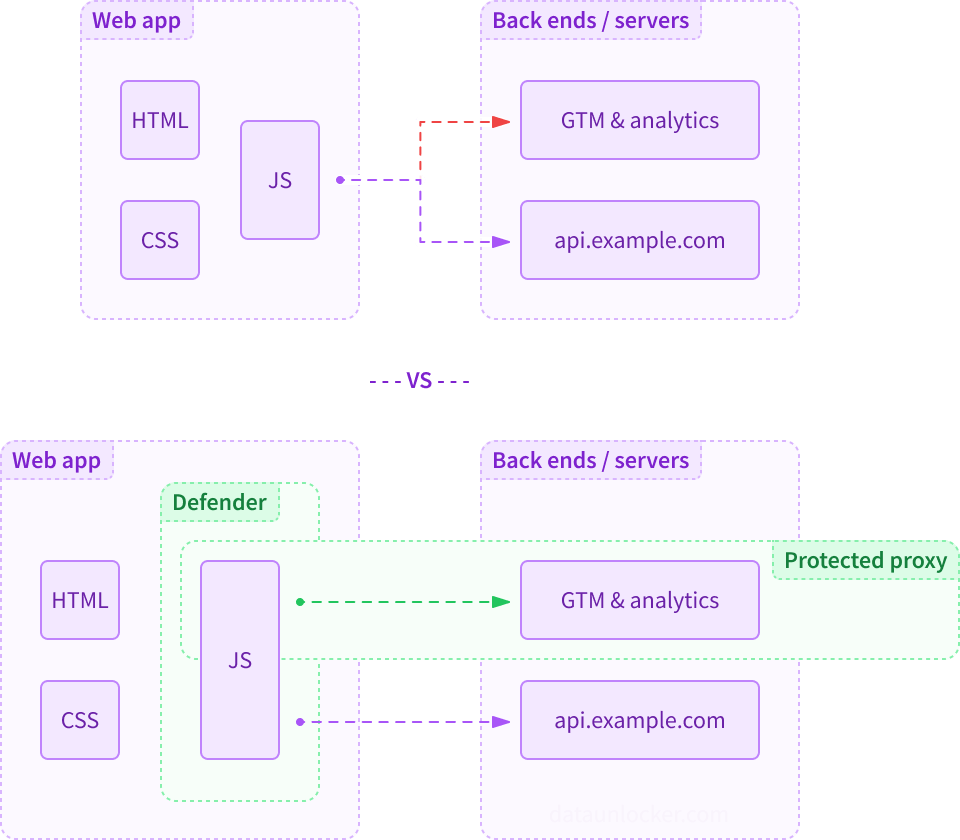
DataUnlocker protection features include:
- DataUnlocker Defender – embeds protection directly into your JavaScript application
- Network Protection – proxies analytics and marketing requests through your own domain, eliminating recognizable patterns
- Secure Enclave – safely delivers tracking scripts that can't be filtered or tampered with
You can learn more in our DataUnlocker 2.0 announcement or follow our complete setup guide.
Protection is entirely optional. You can use DataUnlocker purely for monitoring if that's all you need. But if you do decide to protect your analytics and marketing stack, the setup is straightforward and works alongside your existing tools like Google Analytics, Google Tag Manager, Meta Pixel, and hundreds of other platforms.
Get started with free filter list monitoring today
Setting up monitoring takes less than 5 minutes:
- Sign up at admin.dataunlocker.com using your email
- Add your website domain to your project
- Set up a transport endpoint to verify domain ownership
- Enable email notifications in "Active filters" → "Project Settings"
Once configured, you'll have complete visibility into how ad blocker filter lists are affecting your website – and you'll be notified the moment any new rules are published.
This service is completely free for all registered domains, whether you use DataUnlocker's protection features or not. It's the only real-time filter list monitoring service available, and it's designed to help website owners, developers, and businesses of all sizes understand and respond to ad blocker impact.
If you have questions or need help with setup, reach out via the support channels in the DataUnlocker Admin panel or join our Telegram community at t.me/dataunlocker.
Stop flying blind when it comes to ad blocker filter lists. Start monitoring your domains today.
Your frontend's guardian, DataUnlocker